
Last week’s release of vSphere 7.0 contained a bunch of new features, many of which will help us manage our SDDCs more efficiently.
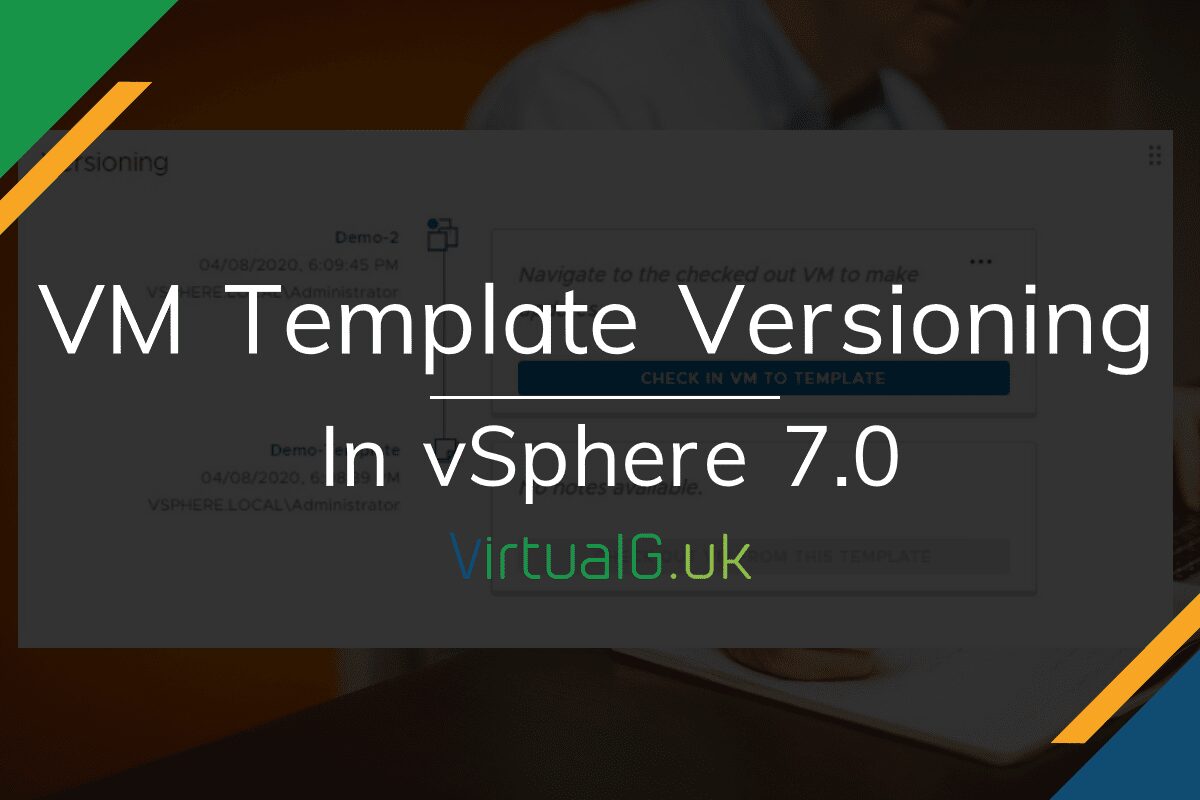
One of the top features which I wrote about in this post: VMware vSphere 7.0 – Top 5 Features! was VM Template Versioning.
This basically involved cloning a Virtual Machine to a Content Library, which enables Versioning on it. This is really useful when you come to patch Templates or change their settings, a full history is preserved in the content library.
It is clear that there is room to improve this feature further but for now, it’s a welcomed change to any vSphere admin (If you are not using content libraries, today is a great day to start!)
Demo Time
I’ve put together a quick demo on the VM Template Versioning feature in the YouTube video below: