
Skyline advisor has been available for vSphere customers with production support agreements for some time. This is an excellent solution and I highly suggest you deploy the collector and get it operational for your business.
But what if you don’t have a 24/7 production support agreement or use vSphere at home or in your lab?
Introducing Skyline vSphere Health in vSphere 7.0!
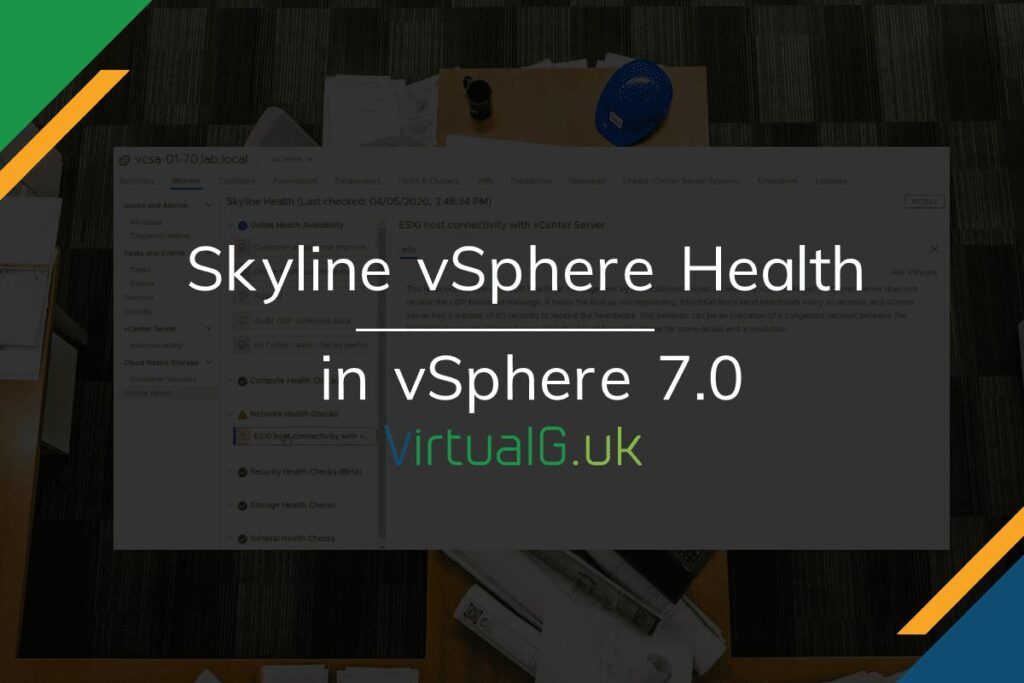
Skyline vSphere Health is VMware’s new built-in solution to keeping the health of your vSphere & vSAN environments in good shape.
This differs from the Skyline Advisor (A more advanced solution, requiring a production support agreement) in a few ways:
- vSphere Heath does not require an additional appliance, it is built into vSphere
- There is no automated log transfer
- On-demand and auto-scheduling is available for health alerts
- Alerts are available from within the vSphere Client
- It is free, no support agreements are required
- Also works in the 60-day Evaluation of vSphere
Installing Skyline vSphere Health
If you enabled the CEIP when installing vSphere, then there is nothing to do. Otherwise:
- Simply navigate to Home > Administration > Customer Experience Improvement Program
- Then Join Program
Although this is easy to set up, I have put together a YouTube video to run through this and what the end result looks like: